
SeedMatch planning guide
Free commercial agriculture project planning
Bring requirements, dates, costs and recorded offers into one private project workspace. Plan a greenhouse, irrigation system, seed-production facility, processing line or storage project before making procurement commitments.
Sign-in required for saved projects. Core planning has no subscription paywall. Supplier sourcing remains human-led.
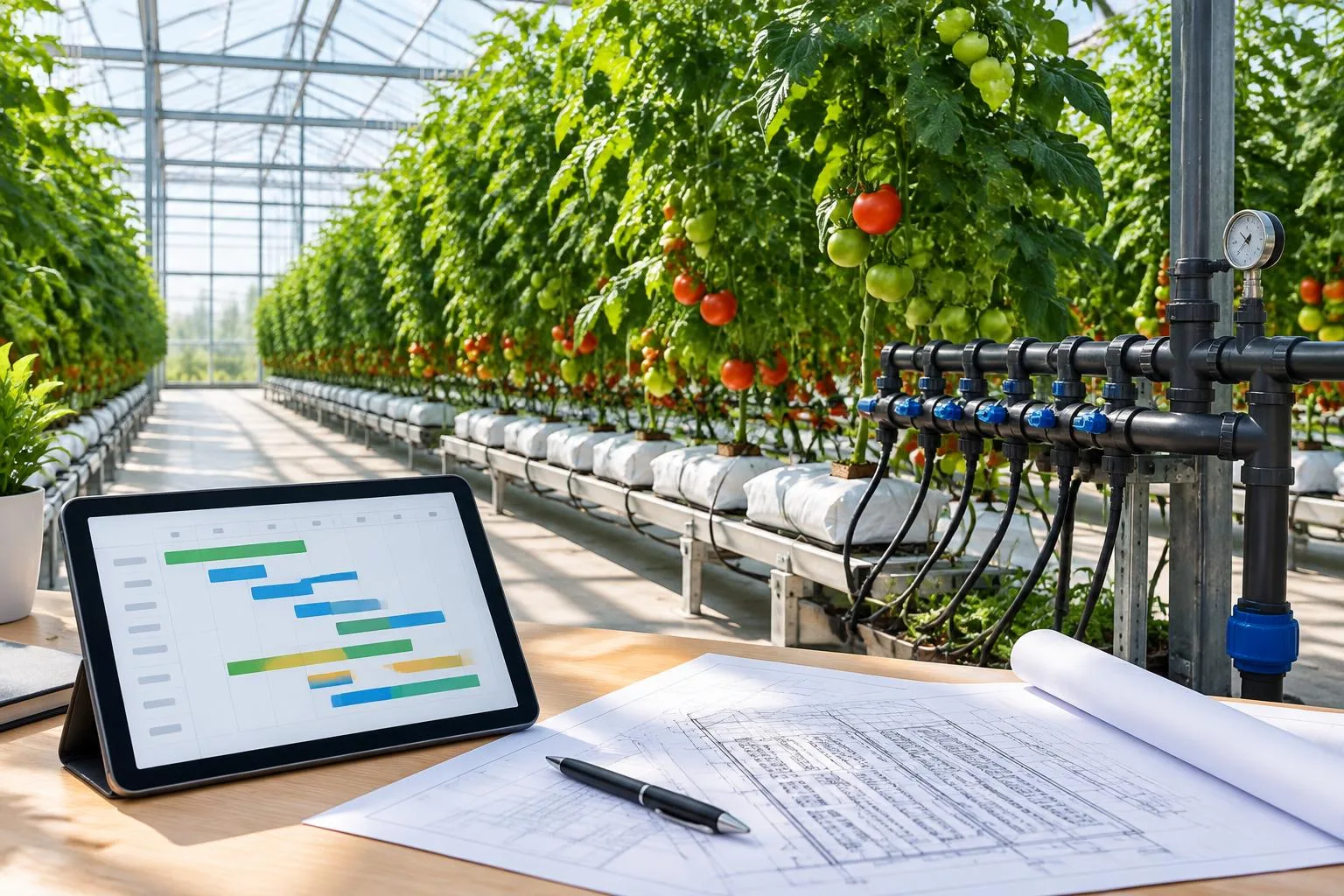
A procurement plan is more than a delivery date
A commercial agricultural project connects biological requirements with land, water, utilities, finance and equipment. A greenhouse structure may be specified while the water analysis is still missing; a seed-processing line may have a target throughput without a confirmed storage requirement. Recording those gaps is more useful than hiding them behind an optimistic completion percentage.
The workspace separates your project plan from the existing inquiry and RFQ workflow. You can create a blank project, choose an industry milestone template, or connect an authorized inquiry or RFQ. Multiple projects can belong to one account. Linking a project does not silently change the CRM lead stage, and a planning date does not imply supplier availability.
Seven evidence-led phases
- Agronomy: crop, species, growing cycle and production requirements.
- Site: climate, land, water quality, power and applicable local approvals.
- Capacity: area, throughput, quantities and seed specifications.
- Equipment: technical scope, utilities and financing assumptions.
- Quotes: comparable RFQs and documented offer evidence.
- Quality: agreed tests, acceptance criteria and traceability.
- Delivery: shipping, installation, commissioning and handover.
Templates create editable milestone tasks. They do not supply invented costs or universal durations. Add the responsible person, start and due dates, blockers, subtasks and dependencies that reflect your actual project.
Read a Gantt chart without confusing it with a promise
The timeline places dated tasks against a today marker, with week and month viewing ranges. Undated tasks remain explicitly undated. The longest recorded dependency chain highlights sequencing risk; it is not an engineering-certified critical-path schedule. Tasks can also be reviewed in a list, status board or deadline agenda.
For example, a fictional irrigation planning exercise might place water sampling before final filtration specification. Until the result is verified, the dependent specification task should remain blocked. Choose dates supplied by the responsible parties rather than treating this example as a recommended duration. See the procurement timeline guide for approval and handover evidence gates.
Keep estimated, quoted and actual costs distinct
Record CAPEX and OPEX items separately, with estimated, quoted, committed and actual amounts. A calculator scenario is an assumption, not a supplier quotation. Use the greenhouse and irrigation cost calculator to explore your inputs, then record their source when adding a budget item.
Projects have a reporting currency and a separately recorded contingency amount. Foreign-currency items are excluded from totals until a conversion rate and verification timestamp are supplied. The workspace does not fetch live foreign-exchange rates. Use the ROI calculator separately to examine production, revenue and operating assumptions; a planning result is not a financing approval or yield guarantee.
Compare documented offers, not invented availability
Prepare a structured scope with the existing RFQ Builder. Link the saved RFQ to the project, then record neutral offer references, scope, amounts, receipt dates and evidence. Quality and delivery scores are user-entered evaluation inputs, not independent supplier ratings. Contract and shipping references help track the recorded procurement stage.
SeedMatch manages supplier communications and introductions after project review. The workspace does not reveal the internal supplier directory or automatically issue RFQs, contact suppliers, accept offers or create contracts. An approved planning stage is a recorded decision, not an electronic signature.
Give collaborators only the access they need
Project owners can create viewer or editor invitations for a verified account. Invitations appear in the matching account; this version does not send invitation emails. Viewers read the project, while editors work on planning records. Owners control access and reversible project archival. Comments and recorded changes stay inside the project rather than being sent to customers or suppliers.
Authorized CRM staff see linked project health: saved task progress, milestones, overdue or blocked work, dated timeline bars, recorded costs and offers. The project and CRM views read the same planning records, so updates do not require copying figures into lead notes. Existing lead communications and stages remain separate.
Start with one decision that needs better evidence
Create a project and choose the closest template. Replace generic milestone wording with your scope. Assign responsibility for the next missing specification, add its deadline and identify the downstream dependency. Record one budget assumption with its source. Only add an offer when a real document or authorized reference supports it. This small sequence creates a more defensible plan than filling every field with guesses.
The specification review is currently a rules-based checklist, not an AI copilot. Attachments remain in the existing RFQ/document workflow. Automated reminders, email notifications, mentions and on-project file uploads are not enabled. The core workspace is useful without those capabilities and does not advertise them as live services.
Common questions
Is the project workspace free?
Core saved project planning is free to use with an account. There is no subscription paywall for tasks, timeline, budgets, recorded offer comparison or project collaboration.
Will project edits change my inquiry status?
No. Linked project health uses the saved planning records; existing lead stages and RFQ workflows are not overwritten.
Does a template estimate my delivery time?
No. Templates add industry milestones without dates or costs. Confirm your schedule with responsible advisers and documented procurement commitments.
Can I restore an archived project?
Yes. Authorized owners can restore archived projects; archival retains the project records rather than deleting them.